
A Project code field to identify & track projects

.webp)
Looking to track your projects using common codes like job codes? Look no further than Íæż½ã½ã’s .
You can use Project codes to match existing job codes and connect workflows between external tools and Íæż½ã½ã.
For example, let’s say you have a job code per project that lives in another system like your Invoicing tool. You can reflect that same identifier in Íæż½ã½ã to keep the tracking between the two systems consistent. You can also level up further by using your Project code to sync projects between systems .
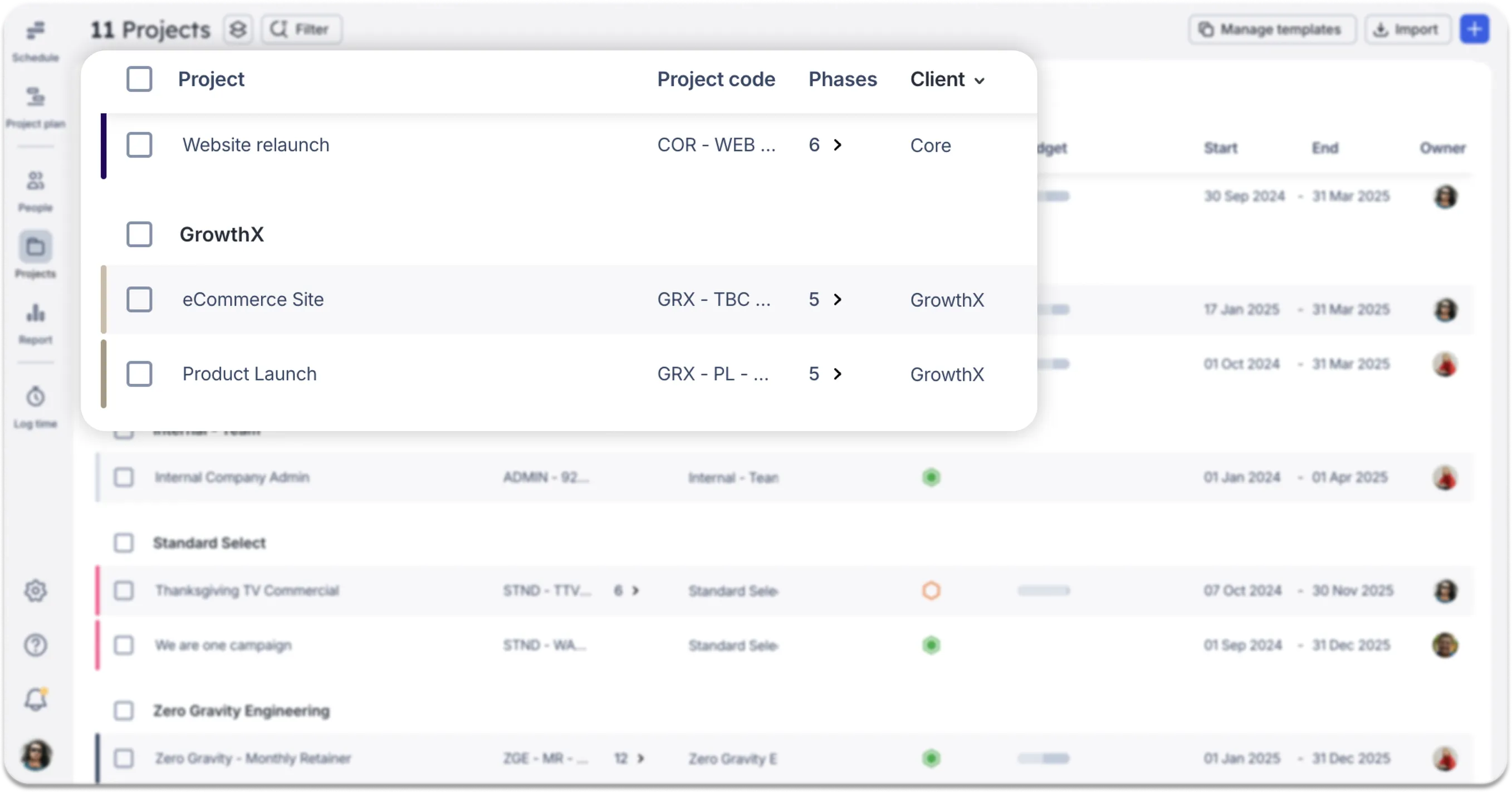
You’ll also notice that Project codes are visible and searchable across Íæż½ã½ã. You’ll see them in places like:
- The Projects list
- The Reports table
- The hover state on scheduled allocations
- The Mobile app, when searching for projects
.webp)
Project codes are now available on all Íæż½ã½ã tiers. To get started, .
Hint: if you need to add a lot of Project codes to Íæż½ã½ã all at once, we recommend bulk uploading them using our CSV project import feature. The easiest way to add Project codes is to select the "Pre-populate with existing projects" option when using the CSV template.


